Sideload GestaltX & App Groups
How to sign GestaltX and its Share Extension with a common App Group, set up Pairing & LocalDevVPN for v1.1.1, and export Keychain-verified backups.
- Common App Group required
- Keep Share Extension intact
- LocalDevVPN for Audio capture
- Keychain-bound plist exports
App Group Signing Requirements
GestaltX relies on forcequitOS/worse_query to access container paths through a signed App Group directory (<app group>/Library/Caches). In addition, GestaltX bundles an embedded Share Extension used to import local .plist files and .tendies / .zip wallpaper packs. Both binaries must be signed with at least one common App Group:
| Signing Tool / Profile | GestaltX Status | Entitlement Behavior | Setup Note |
|---|---|---|---|
| SideStore | Supported | Preserves embedded App Groups & Share Extension | Keep extensions enabled when installing IPA |
| AltStore | Supported | Detects ad-hoc embedded App Group entitlements | Requires AltServer over USB or local Wi-Fi |
| Impactor (plumeimpactor) | Supported | Allocates App Group container for free & paid Apple IDs | Direct USB provisioning on macOS, Windows, Linux |
| iLoader | Supported | Maintains application-groups across app + plugin | Supports Pairing file generation workflow |
| Paid Apple Developer ID | Supported | Explicit common App Group on main app + Share Extension | Avoid wildcard * profiles without App Groups |
| Sideloadly (Free Apple ID) | Fails App Group | Strips application-groups on personal teams | Triggers No App Group error on launch |
| Enterprise Wildcard Certificate | Fails App Group | Lacks bound App Group container in profile | Cannot allocate class-7 cache symlink path |
Upstream IPAs on GitHub carry an ad-hoc signature with entitlements already embedded so SideStore and AltStore detect them automatically during re-signing. Do not strip plugins/extensions when signing, and if your developer certificate carries multiple App Groups, GestaltX v1.0.4+ automatically iterates every signed group until access succeeds (#47, #133).
Step-by-Step Sideload Workflow
Use a wired USB-C data connection for initial provisioning so your signing tool can register the App Group and install the Share Extension cleanly:
- Verify the IPA digest: Download
GestaltX_1.1.1.ipafrom the SHA-256 download ledger and confirm its hash matches0621b070cafacb2f1f83fad459697d02263e513b04d77b462da333c5b0a4e708. - Sign with App Groups intact: Import
GestaltX_1.1.1.ipainto SideStore, AltStore, Impactor, or iLoader. When prompted about app extensions, choose to keep the Share Extension. - Trust & Developer Mode: Open Settings → General → VPN & Device Management to trust your Apple ID certificate, and ensure Settings → Privacy & Security → Developer Mode is active.
- Confirm initial backup: Launch GestaltX on iOS/iPadOS 27.0–27.3 Beta 1. Before any preset edit occurs, GestaltX automatically reads your live cache and stores an initial SHA-256-verified backup in Backups.
On iOS or iPadOS 26.0–26.7.2, installation succeeds with the exact same signing rules, and About displays on-device MobileGestalt access as unsupported while keeping local plist Share imports and container features active.
Pairing & LocalDevVPN Setup
GestaltX v1.1.1 (Build 11140102) added Pairing & Device Connection to resolve notification sound paths for third-party apps inside App Audio Library:
- Generate a mobiledevice pairing file: Connect your iPhone or iPad to a trusted Mac or PC over a data-capable USB cable, tap Trust This Computer, and generate/import your pairing record with your sideloading companion (such as SideStore/Jitterbugpair or iLoader).
- Start LocalDevVPN before capture: Enable your local loopback tunnel (
LocalDevVPNor StosVPN) before running the App Audio path capture guide. Inv1.1.1, GestaltX checks tunnel connectivity upfront, displaysLocalDevVPNguidance, and stops capture cleanly if the tunnel drops. - Reinstall container migration: Re-signing or reinstalling from another tool can move the app's data container UUID;
v1.1.1automatically migrates saved pairing paths when the container relocates.
Release v1.1.1 also resolved a pairing failure and audio file-picker restriction that affected side-loaded release builds.
Exporting Verified Plist Backups
Before changing any MobileGestalt key, open Backups in GestaltX and export a copy of your untouched plist to Files, iCloud Drive, and an external SSD or computer. Exports created on-device carry a device-bound verification proof (#59) whose secret key stays inside the device-only Keychain and is never written into the exported plist itself.
When you later re-import a plist via Files → Share → GestaltX, the Share Extension opens the file with O_NOFOLLOW (#35), checks container boundaries (#72), and verifies either the Keychain proof or at least two unique hardware identifiers before opening it in MG Control. Unverifiable or foreign device plists are rejected before any system write can happen.
USB-C Sideloading & Backup Gear
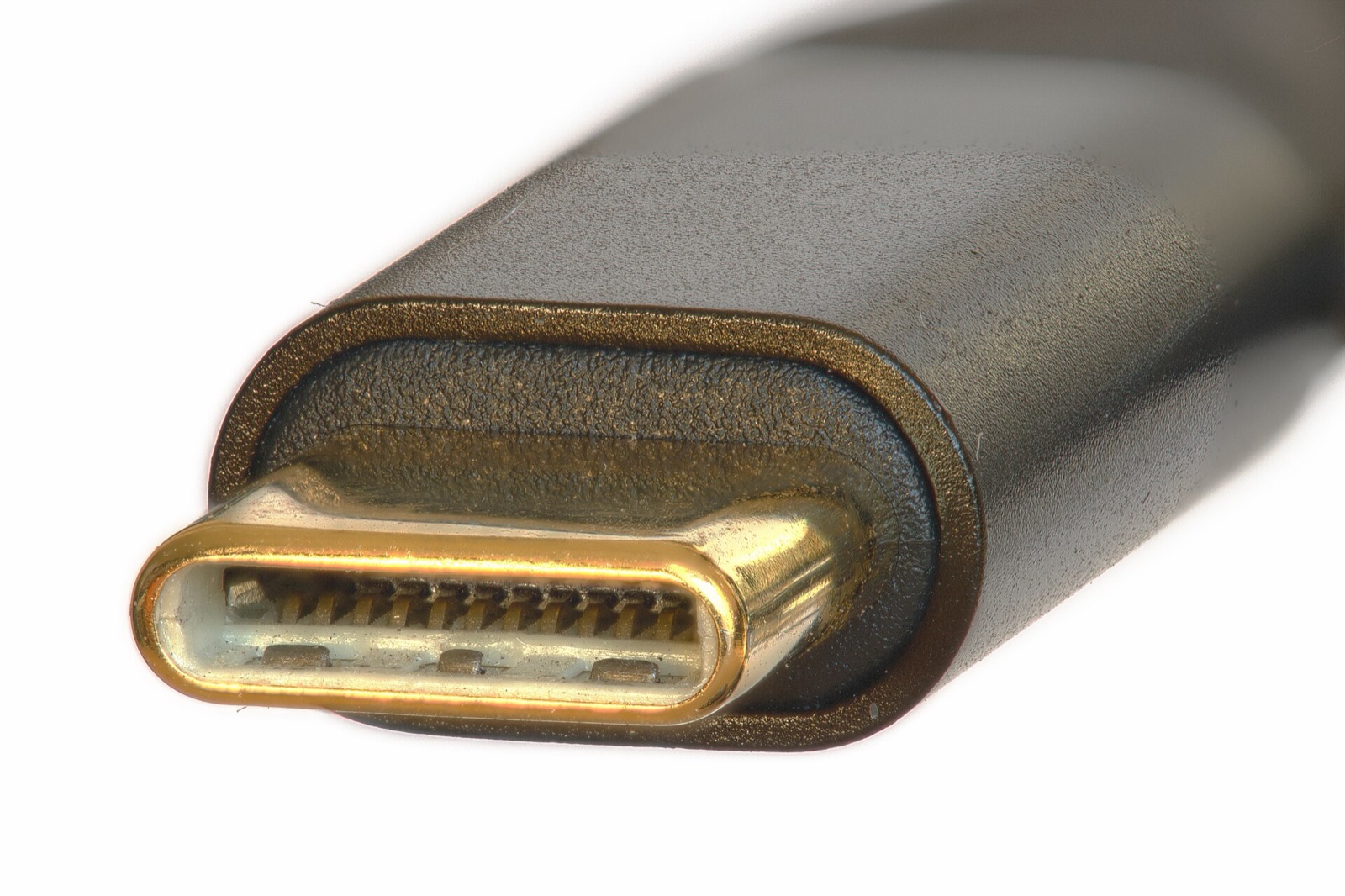
Provisioning GestaltX with SideStore, AltStore, Impactor, or iLoader and generating a Pairing file for App Audio Library requires a reliable wired USB data cable, while an external SSD keeps a clean off-device copy of com.apple.MobileGestalt.plist and full Finder/iTunes backups:
| Hardware | Role in GestaltX Workflow | Specification | Amazon |
|---|---|---|---|
| Anker 240W USB-C Data & Power Cable | Wired IPA signing & Pairing file capture | USB-IF certified USB-C data & 240W power lead | Check price |
| Apple 60W Woven USB-C Sync Cable | Mac / Windows sync & recovery restore | Woven 1m USB-C charge and USB 2 data cable | Check price |
| SanDisk 1TB Extreme Portable USB-C SSD | Off-device OriginalGestalt.plist & iOS backups | 1TB NVMe USB-C 3.2 Gen 2 (up to 1,050 MB/s) | Check price |
| UGREEN Revodok 10Gbps USB-C Hub | Multi-port USB-C & USB-A bridge for MacBooks | 10Gbps data ports with 100W PD pass-through | Check price |
As an Amazon Associate, this site earns from qualifying purchases.
Common questions
Can I install GestaltX inside LiveContainer?
GestaltX requires a shared App Group between the main app and its embedded Share Extension plus LocalDevVPN pairing support, so direct installation with SideStore, AltStore, Impactor, or iLoader is recommended. Users who strictly need an unsigned LiveContainer tweak tool can check adnan120hz/WorkTweaks.
What happens if I re-sign GestaltX without its Share Extension?
Removing the Share Extension breaks Share → GestaltX imports for local .plist files and .tendies / .zip PosterBoard wallpaper packs. Always preserve extensions when re-signing.
Where is GestaltX’s export verification key stored?
The verification key stays in the iOS device-only Keychain and is never embedded inside exported plist files. That lets GestaltX confirm same-device origin on re-import even when an original plist lacks unique serial strings.